Pion Power App
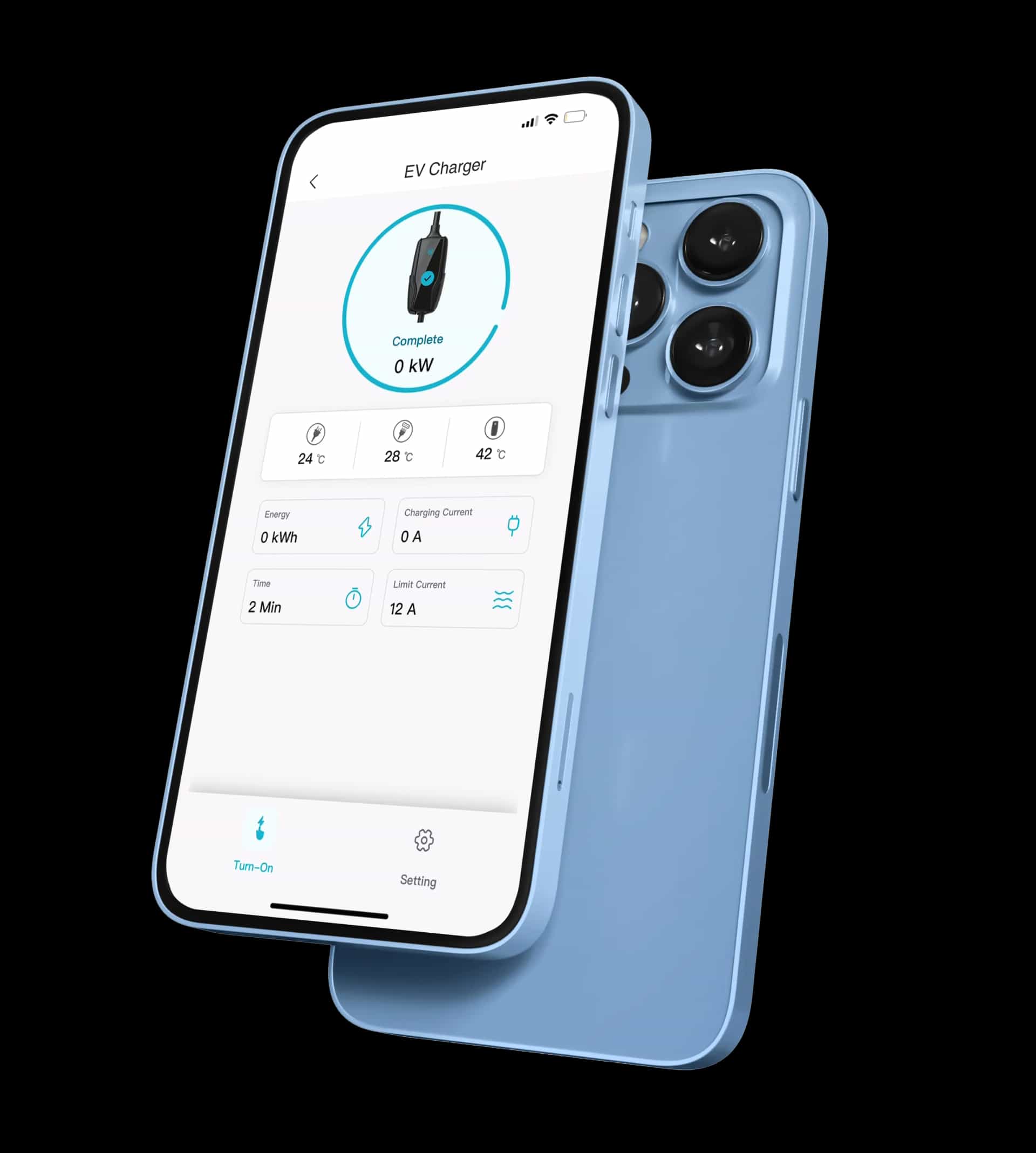
Manage, adjust and monitor your Pion Power Flex-AC 40A & Flex-AC Elite EV Charger and collect your GreenMiles Rewards
Download Pion Power App

Requires iOS 11.0 or above.

Requires Android 5.0 or above.
Scan QR Code to Download
5 Steps Quick Setup
01
Power On Your Charger
Plug in the Flex-AC and wait for the hotspot Pionpower_XXXXXX to appear.
02
Connect to the Charger Hotspot
Open the app → Add Device → Flex AC → Hotspot Pairing → Configure Network. When prompted, go to your phone's Wi-Fi settings and connect to the hotspot (Password: 12345678).
03
Enter Your Home Wi-Fi
Return to the app and enter your home Wi-Fi name & password to complete pairing.
04
Finish Configuration
Wait for the confirmation message: "Network Configuration Completed."
05
Activate GreenMiles
In the app, go to Mine → GreenMiles → Sign Up, accept the Terms. You'll instantly receive 20 welcome bonus points, and points will auto-track every time you charge.