Spring Deals Are Live - up to $1200 off
Spring sale products
Pion Power App
Manage, adjust and monitor your Pion Power Flex-AC 40A & Flex-AC Elite EV Charger and collect your GreenMiles Rewards
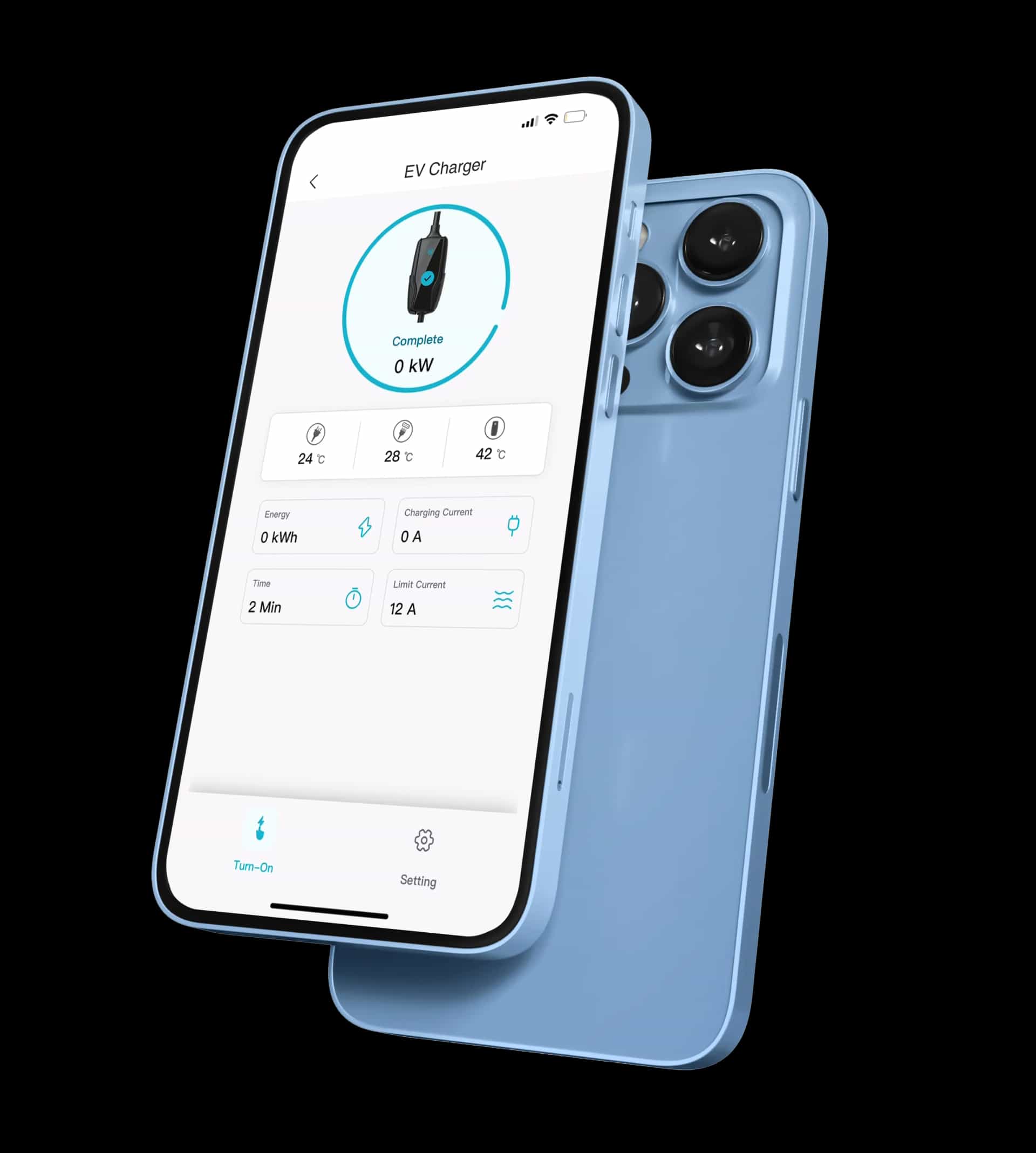
Pion Power App
Download Pion Power App
App Store
Requires iOS 11.0 or above.
Google Play
Requires Android 5.0 or above.
Pion Power App
Scan QR Code to Download
5 Steps Quick Setup
01
Power On Your Charger
Plug in the Flex-AC and wait for the hotspot Pionpower_XXXXXX to appear.
02
Connect to the Charger Hotspot
Open the app → Add Device → Flex AC → Hotspot Pairing → Configure Network. When prompted, go to your phone's Wi-Fi settings and connect to the hotspot (Password: 12345678).
03
Enter Your Home Wi-Fi
Return to the app and enter your home Wi-Fi name & password to complete pairing.
04
Finish Configuration
Wait for the confirmation message: "Network Configuration Completed."
05
Activate GreenMiles
In the app, go to Mine → GreenMiles → Sign Up, accept the Terms. You'll instantly receive 20 welcome bonus points, and points will auto-track every time you charge.

Got questions about how to sign up?

Soyez le premier à recevoir nos dernières nouvelles et nos offres exclusives ! Abonnez-vous maintenant.

Get exclusive updates and special offers delivered to your inbox.

À propos

  • Devenir partenaire
  • Notre histoire
  • Blogue
  • Médias
  • Marchandise

Assistance

  • Nous contacter
  • Téléchargement de l'application
  • Documentation et manuels
  • Politique de retour et d'échange
  • Conditions générales
  • Foire aux questions

Nos bureaux

Bureau de Scarborough

3761 Victoria Park Ave Unit 9

Scarborough, ON M1W 3S2

+1 888-318-1988

Lun–Ven 9h30–17h00 · Sam–Dim Fermé

Bureau de North York

2 Tippett Rd Floor 4

North York, ON M3H 2V2

Lun–Ven 9h30–17h00 · Sam–Dim Fermé

Programmes

  • Programme distributeur
  • Programme affilié
Droit d'auteur 2025
Scanner pour télécharger
Application Pion Power
App StoreGoogle Play

Spring Sale

EV Chargers

Portable Power Stations